01
Get Ledger Live
Download the official Ledger Live app to set up your device and manage your assets.
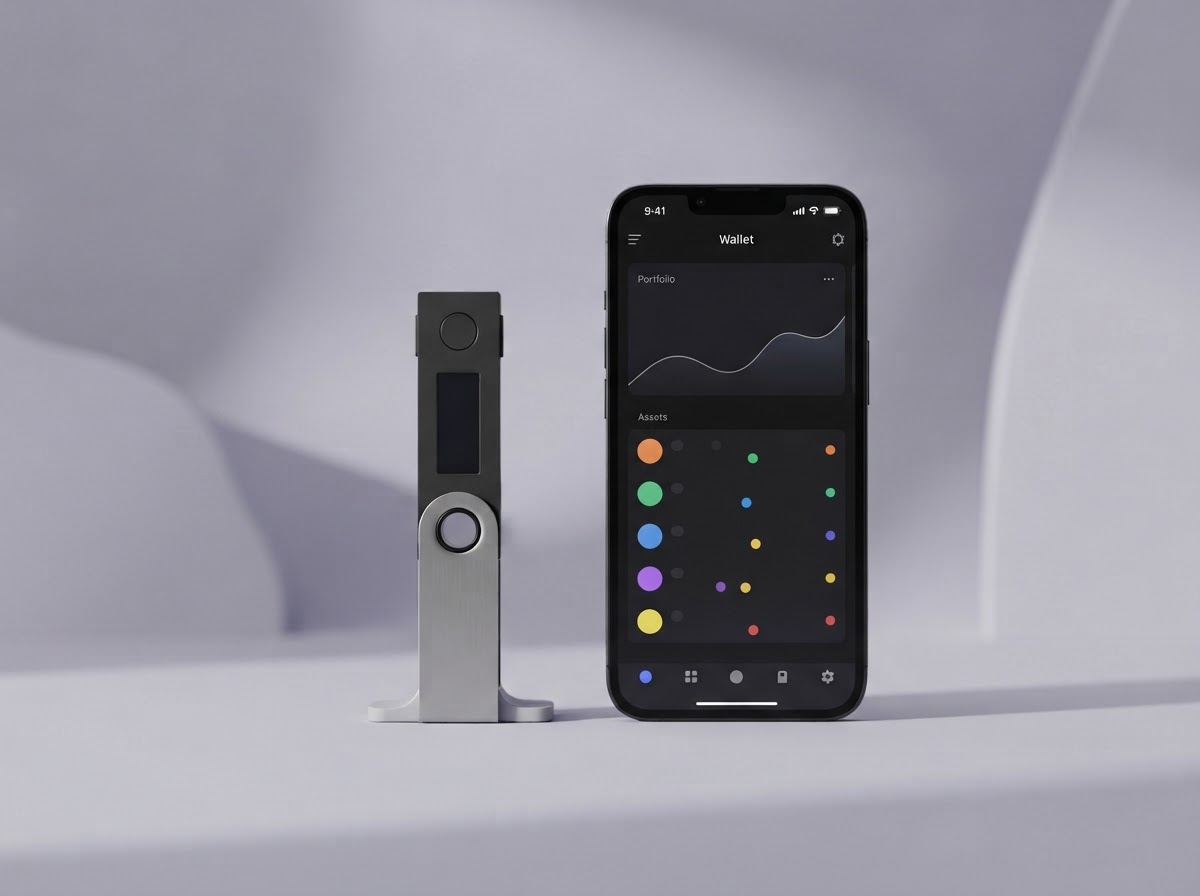
Download the appEverything you need to set up your Ledger device and take your first steps with confidence.
A FEW SIMPLE STEPS
From unboxing to your first transaction, we’ll guide you through a secure setup at your own pace.
Download the official Ledger Live app to set up your device and manage your assets.
Download the appFollow the on-screen instructions to initialize your Ledger and create your PIN code.
Device setup guideRecord your 24 words on the recovery sheet and keep it offline in a private, secure place.
Understand recovery phrasesAdd accounts in Ledger Live and connect to the apps and networks you want to use.
Explore Ledger AcademyTHE MOST IMPORTANT STEP
These 24 words are the master key to your assets. Ledger will never ask you to share them—not by email, phone, message, or website.
Learn how to stay safeQUESTIONS? WE’RE HERE.
Find quick answers to common setup questions, or head to the support center for one-on-one guidance.
Visit Ledger SupportLedger Live is the companion app for your Ledger device. Use it to install apps, add accounts, check balances, and manage supported digital assets.
No. Never type your recovery phrase into a computer, phone, app, or website. Your phrase should remain private and offline at all times.
Many Ledger devices can connect to a compatible smartphone. Check the device and connection requirements in Ledger Support before you begin.
Visit the official Ledger Support Center for verified setup guides and troubleshooting. Be cautious of unsolicited messages claiming to offer support.